Start with the records you already keep
Write down how a sale reaches your accounts today. It might begin in a counter book, move into a monthly spreadsheet, then appear on a dealer statement. Note who enters it at each stage and where someone has to copy the same information again.
Make a short list of the jobs that create the most checking: reading a dealer code, matching a payment, recording a return, allocating commission or checking rent. Use that list to build your software demonstration. A polished dashboard is useful only if the records beneath it make sense.
Test one ordinary sale from end to end
Try a hypothetical example: dealer 54, a side table, £80, paid by card. Check that the dealer, date, description, amount and payment method remain visible as the sale moves through daily review and into the monthly statement.
Then test the awkward version: the wrong dealer was selected, the sale belongs to yesterday, or the day has already been closed. Ask how corrections are made and how you can see what changed. Review the statement itself, rather than accepting a sales total as proof that the whole journey works.
Check the rules behind the numbers
Different dealers may have different commission or rental arrangements. Ask whether those rules can be recorded against the correct dealer, which dates they apply to, and how a change affects a statement already prepared.
Rent periods also deserve a real example. A period running from the 25th to the 24th is different from a calendar month. Test the period your own centre uses, including a dealer starting partway through it. Confirm how a payment is recorded and how unpaid amounts are shown.
Give each person the access they need
Make a simple list of centre owners, counter staff and dealers. For each role, decide which sales, documents and account details they should be able to see or change. During a trial, sign in with each role and check the actual screens.
Ask how staff access is removed, how records are exported, and what happens when someone forgets a password. If you operate more than one location, test how each location is kept separate and how access is assigned.
Put the system through a busy-day trial
Use authorised test records to run several sales, review payment totals, close the day and prepare a statement. Try the phones, tablets and computers used at the counter. Check downloads, readable text and error messages, not just the desktop demonstration.
Voice assistance can be useful when staff are busy. Test a phrase such as “dealer 54, side table, eighty pounds, card”. Check what it understood, what needs confirmation and whether a correction is straightforward. Ask what happens if the microphone or connection stops before saving.
Agree the changeover before you commit
Confirm which records can be imported, what needs cleaning first and what you can take away in an export. Keep an untouched copy of the old records. Agree a cutover date, name the person responsible for checking opening balances, and reconcile the first day and first statement period.
Compare the full subscription, any usage allowances, training and support with the time your team spends on the current process. A trial should answer these practical questions before it becomes a long-term commitment.
Where Antique Pilot fits
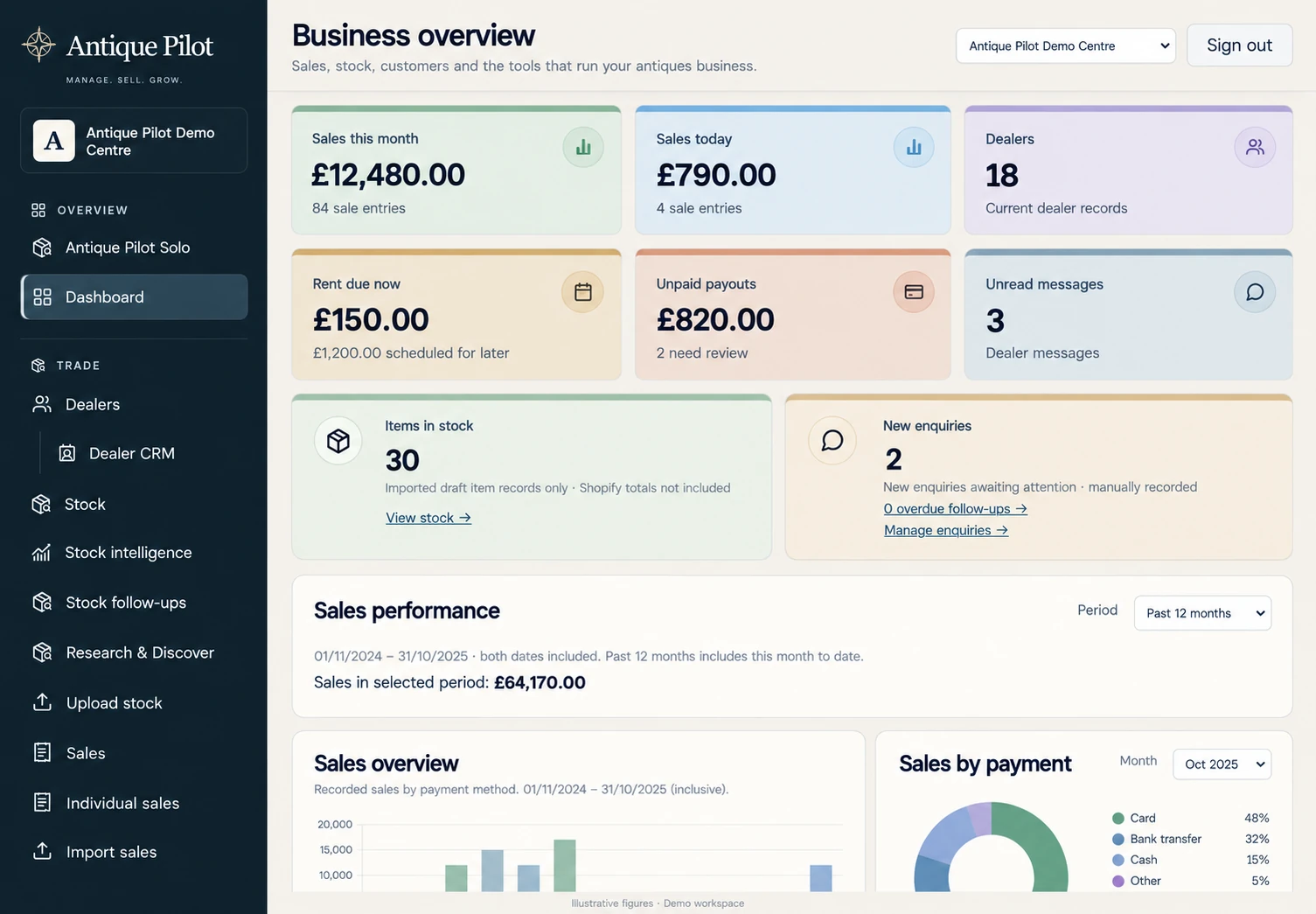
Antique Pilot for antique centres brings together daily sales, dealer records, rent schedules, statements and customer enquiries. It is in testing ahead of the planned January 2027 launch. The product preview uses illustrative figures.
Review the planned centre pricing and voice allowances, then bring your own working-day checklist to a testing conversation. This guide is a selection framework, not a claim that a trial or migration has already been completed for your business.
Examples are illustrative. Product features and launch availability will be confirmed as testing progresses.
Talk to us about testing ↗